Email Notifications
Tune which transitions, audit completions, and outreach events trigger emails - or switch to a daily digest.
By default TraceLinker sends an email for every meaningful event: audit completed, link transitioned, draft generated. For some users this is perfect. For others (especially Agency users monitoring 1,000 links) it's noisy. This page covers every notification toggle.
Where to find settings
Click your avatar → Settings → Notifications.
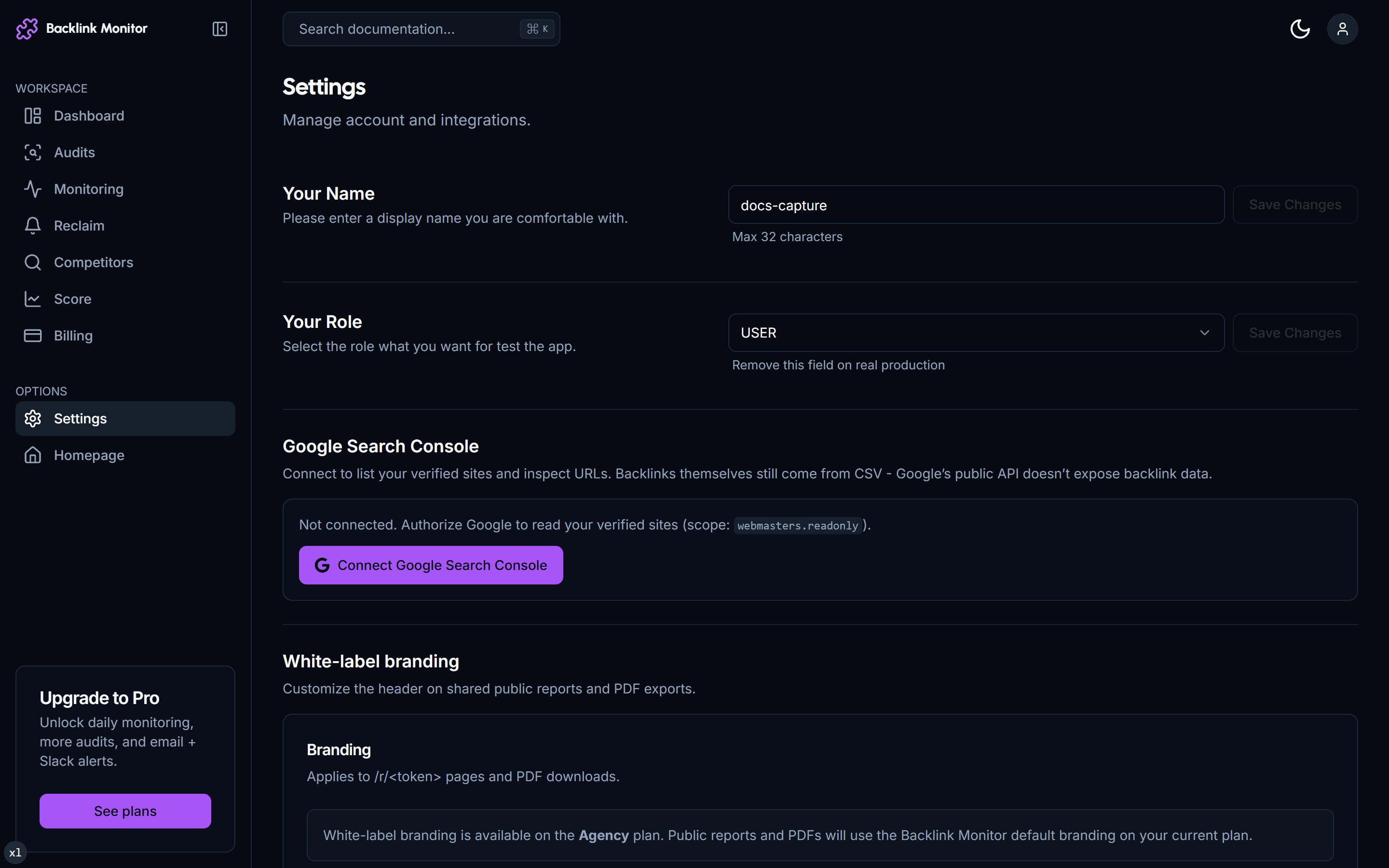
The page is grouped by event category.
Audit notifications
| Toggle | Default | What it controls |
|---|---|---|
| Audit complete | On | Email when an audit finishes processing. Includes summary stats. |
| Audit failed | On | Email when an audit errored (rare). |
Most users keep both on. The completion email arrives 30s to 10 minutes after submission depending on size.
Transition notifications
This is the noisiest category. By default every transition emails you.
| Toggle | Default | What it controls |
|---|---|---|
| alive → changed | On | Anchor or context edit on a monitored link. |
| alive → dead | On | Link removed - also auto-creates a reclaim draft. |
| dead → alive | On | Link returned. Rare but useful for paid placements. |
| changed → dead | On | Slow death after an edit. |
| changed → alive | On | Edit reverted. Very rare. |
| safe → toxic | On | Toxicity classifier flips a previously-safe link. Investigate. |
| toxic → safe | Off | Classifier no longer flags it. Most users don't care. |
Common tuning patterns:
"Just the important stuff"
Turn off alive → changed and dead → alive. Keep alive → dead (the actionable one) and safe → toxic (the watchout).
"Everything but on a digest"
Keep all toggles on, but flip the Delivery mode to Daily digest. You get one email per day at 9am with all transitions of the past 24h.
"Silent monitoring"
Turn off all transition emails. Use the dashboard alerts panel to check transitions when you log in. Useful if you have 1,000+ monitored links and 50+ daily transitions become unmanageable.
"Slack, not email" (Agency)
Connect Slack in Settings → Integrations. Choose a channel. Transition events post there instead of (or in addition to) email.
Outreach notifications
| Toggle | Default | What it controls |
|---|---|---|
| Reclaim draft generated | On | Email when an alive → dead triggers a new draft. |
| Outreach reply received | On | Pro+ Send-via-Backlink-Monitor only - email when someone replies to your outreach. |
| Outreach status changed | Off | Email when a draft moves through drafted → sent → closed. Most users find this redundant. |
Score notifications
| Toggle | Default | What it controls |
|---|---|---|
| Score dropped 10+ points | On | Sudden drop usually means a transition event affected the score. |
| Score increased 10+ points | Off | Most users don't care about positive movements as much as drops. |
| Weekly score summary | Off | Optional Sunday digest with score trend. |
Per-link muting
You can also mute notifications on a single monitored link without affecting other links. Click into the link detail page → Notifications panel → toggle "Mute all transitions for this link."
Useful for:
- A link on a CMS that auto-edits anchors (like Webflow auto-converting URLs).
- A link on a high-velocity news site where the surrounding content changes constantly.
- Links you've decided not to actively defend but still want statistics on.
📸 Link detail page Notifications panel with mute toggles
Daily digest mode
Switch all transition notifications to a single daily email:
- Settings → Notifications → Delivery mode → Daily digest.
- Choose delivery time (default 9am in your timezone).
- Choose timezone.
The digest shows:
- All transitions in the past 24h, grouped by transition type.
- Reclaim drafts created today.
- Audits completed today.
- Score changes today.
One email instead of 50. Most monitoring-heavy users switch to digest within their first week.
Slack integration (Agency)
Agency users can route any notification to Slack instead of (or alongside) email.
Add Slack to your workspace
Settings → Integrations → Connect Slack. OAuth flow asks for permission to post in a channel.
Pick the channel
We need permission to post in one channel. Common choices: #seo-alerts, #client-X-monitoring, #dms (a private DM with yourself).
Map events to channels
For each notification type, choose: Email only, Slack only, Both, or Mute.
You can route different events to different channels - e.g. transition emails to #seo-alerts, outreach replies to your DM.
Email sender details
Notifications come from notifications@backlinkmonitor.com. Add this to your contacts to avoid spam folder routing.
For Pro+ users with Send-via-Backlink-Monitor enabled, your outbound outreach sends from a per-account address like outreach+abc123@backlinkmonitor.com. Replies forward to your account email; the from address can be customized to your own domain in Settings → Outbound email.
Custom email rules (Agency)
Agency users get a rules engine. Examples of rules you can set:
- "All transitions on client X's monitored links → forward to client@example.com."
- "Toxic transitions → both email and Slack #urgent."
- "Score drops on any client → Slack only, with @here mention."
The rule editor is a simple if-this-then-that UI. No code required.
📸 Rules engine page with a sample rule
Mobile
We don't ship a mobile app. All notifications are email or Slack. Push notifications via mobile would mean us building (and you trusting) a mobile client - we'd rather not.
If you're on mobile constantly: switch to digest mode and check your inbox once a day. Or set Slack as the primary destination - the Slack mobile app handles push.
GDPR / unsubscribe
Every email has an unsubscribe link in the footer. Clicking it disables notifications globally for your account. Re-enable in Settings → Notifications anytime.
We never send marketing emails to your notification address. Marketing comes from a different sender (hello@backlinkmonitor.com) and has its own unsubscribe.
Troubleshooting
No notifications arriving.
Check spam folder. Whitelist notifications@backlinkmonitor.com. Verify Settings → Notifications → Delivery mode isn't set to "Off."
I'm getting too many emails. Switch to daily digest (covered above) or selectively mute per-link.
Slack notifications stopped working. The Slack OAuth occasionally expires. Settings → Integrations → Slack → Reconnect.
I need notifications in a language other than English. Email and Slack templates are English only for now. We'll add localization when there's enough demand.
Webhooks for notifications? We don't have a public webhook system yet. If you want one (push events to your own backend), email support to be added to the roadmap.
Next
- Set Up Monitoring - the source of most transition notifications.
- Reclaim Lost Links - what
alive → deadnotifications kick off. - Plans & Pricing - Slack and rules engine require Agency.